
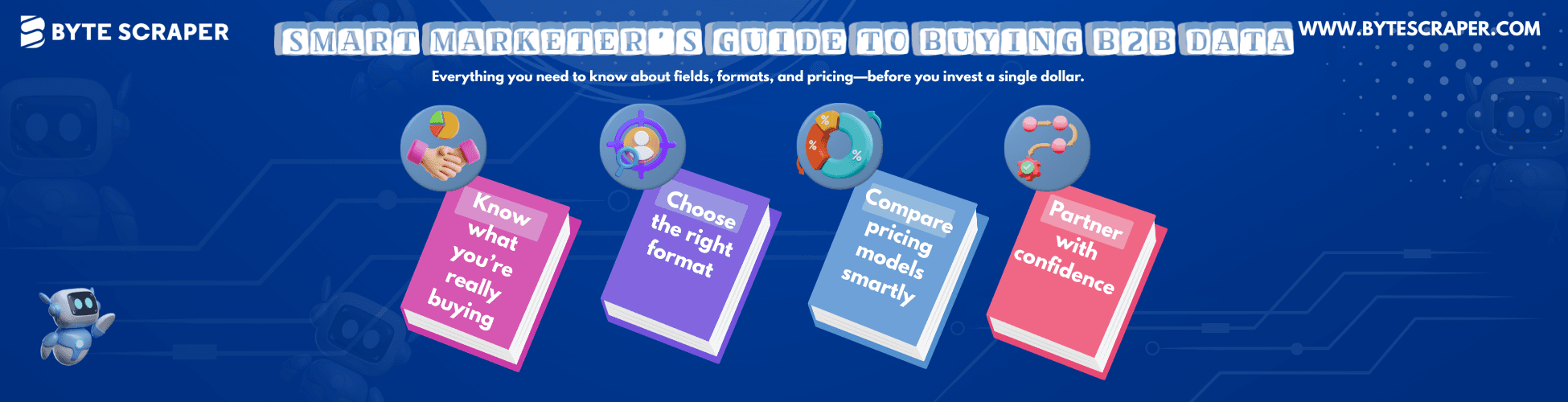
The Business Data Buyer’s Handbook: Fields, Formats & Pricing
Discover what to look for when buying business data—key fields, formats, pricing models, and how to evaluate data quality. A complete guide for smart B2B buyers.
📊 Introduction
Entering the world of B2B data can feel like stepping into a foreign marketplace. Suddenly, you’re hearing words like firmographics, technographics, API, and data enrichment. There are too many vendors, pricing seems designed to confuse, and everyone promises the “best data.”
You know you need data to grow, but you’re not sure what to ask for, how to evaluate it, or what you're really paying for.
This guide breaks down everything you need to know before investing in B2B data:
📌 What fields matter
⚙️ How data is delivered
💵 What pricing models to expect
🧩 Part 1: The Anatomy of B2B Data – What Fields Really Matter
Before you judge price, you need to understand value—and that begins with the data fields included in each record. A good business contact isn’t a name and number—it’s a profile made of rich, layered information.
We break it into three tiers:
🏢 Tier 1: Firmographics (Company-Level Data)
This helps define your Ideal Customer Profile (ICP) and tells you what the company is.
Key Fields:
- Company Name & Website
- Industry (coded using SIC/NAICS)
- Employee Count (e.g., 51–200)
- Annual Revenue (e.g., $10M–$50M)
- Location(s) – HQ and regional branches
This layer lets you segment your market based on company traits.
👤 Tier 2: Contact Data (Decision-Maker Information)
Once you know the company, who do you talk to?
Key Fields:
- Full Name
- Job Title – e.g., VP of Sales, Head of HR
- Seniority Level – C-suite, VP, Manager, etc.
- Verified Business Email
- Direct-Dial Number – not just a company switchboard
- LinkedIn Profile URL
This data is the core of outreach—it connects you to real decision-makers.
🔍 Tier 3: The Intelligence Layer (Contextual Business Insights)
This tier adds context and helps you know when and why to reach out.
Key Fields:
- Technographics – tools and platforms they use (e.g., Salesforce, HubSpot)
- Buying Signals / Intent Data – like recent funding, executive changes, product launches
- Company Hierarchy – org chart or reporting structure
This layer separates static lists from dynamic sales intelligence.
⚙️ Part 2: How Your Data is Delivered – Formats That Fit Your Workflow
Once you’ve chosen your data, you’ll need to decide how it should be delivered.
Here are your options:
📄 Option 1: CSV / Excel Spreadsheet (The Simple List)
Perfect for: quick one-time campaigns, cold outreach, or smaller sales teams.
✅ Pros:
- Easy to use and share
- No setup or tech skills needed
- Importable to most CRMs
❌ Cons:
- Static—data ages quickly
- Manual formatting may be needed for uploads
🧑💻 Option 2: Web-Based Platform Access
Some vendors provide access to a searchable database with filters like geography, title, or industry.
Perfect for: teams needing ongoing access or custom list building.
✅ Pros:
- Always accessing up-to-date data
- Strong filtering & segmentation features
- Export only what you need
❌ Cons:
- Usually requires monthly subscription
- Some learning curve or user training
🔌 Option 3: API or CRM Integration (Automated Feed)
Best for: large teams with in-house developers or marketing automation workflows.
✅ Pros:
- Real-time updates into your CRM
- Automatically enriches leads
- Scales easily
❌ Cons:
- Developer support required
- Initial setup can be complex
✨ Platforms like ByteScraper offer custom formatting options—from CSVs to API-ready structures—based on your preferred workflow.

💰 Part 3: Understanding Pricing Models – What You’re Really Paying For
Here’s where things often get confusing. Data providers tend to offer one of three pricing models:
💳 Model 1: Pay-Per-Record
You pay a fixed rate per record—predictable and straightforward.
Great for: one-time campaigns or particular data needs.
✅ Clear upfront cost
✅ Easy to estimate ROI
❌ No access to platform tools
❌ May lack enrichment features
🎟️ Model 2: Subscription or Credit-Based
You pay monthly or yearly for a bundle of credits. Each credit reveals a contact or firm.
Great for: sales teams with ongoing outreach needs.
✅ Continuous access
✅ Usually includes filters and dashboard tools
✅ Flexibility in choosing contacts
❌ Need to understand what costs how many credits
❌ Hidden costs for premium data (like direct dials)
🧾 Model 3: Flat-Rate Platform License
A high one-time payment grants unlimited (or high-volume) access for a set period.
Great for: high-volume teams that process 10k+ records regularly.
✅ Predictable cost
✅ No credit limit worries
✅ Ideal for enterprise
❌ Costly upfront
❌ Might not suit smaller teams
🧠 Tip: Always ask vendors:
- What's considered a “record”?
- What fields are included in base pricing?
- Are premium fields (e.g., phone numbers, LinkedIn, technographics) extra?
✅ Conclusion: Shop Smart with Confidence
The business data market may be confusing, but now you're armed with the knowledge to:
- 📊 Understand what data fields matter most
- ⚙️ Choose the format that fits your use case
- 💸 Evaluate and compare pricing models clearly
Great data providers act more like partners than vendors. They help you define your goals, suggest the right mix of fields, formats, and delivery, and they’re transparent about pricing and quality.
If you’re in the market for verified, customizable, and scalable B2B data, platforms like ByteScraper can tailor the right solution, whether you need 500 CFOs in Canada or 5,000 logistics heads in Europe.
Buy data like a strategist, not a tourist.
Your campaigns, your pipeline, and your ROI will thank you.